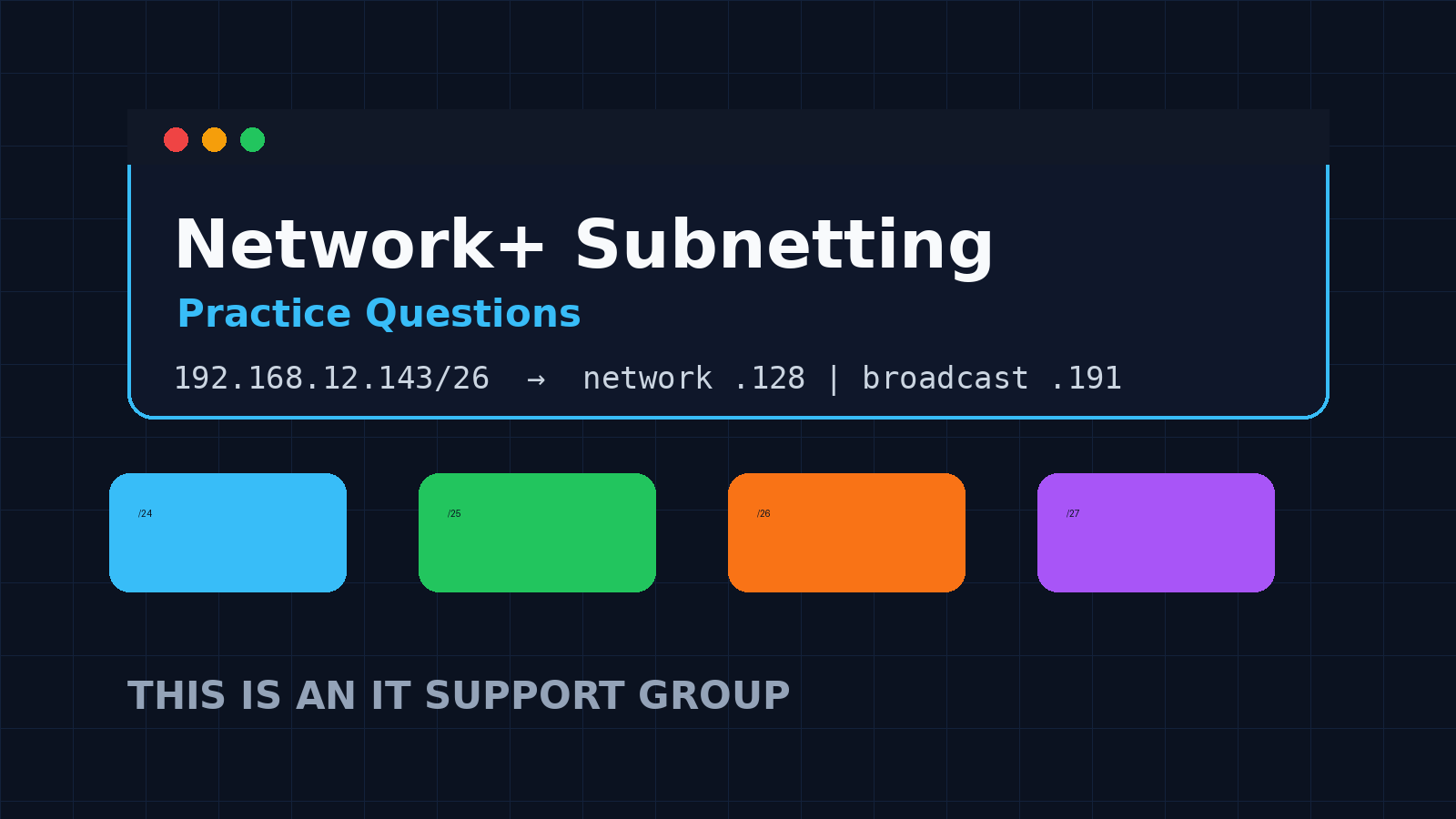
If subnetting keeps slowing you down, do not try to memorize every possible chart. Learn the few CIDR breakpoints that show up constantly, practice identifying the network/broadcast/usable range, and get fast at spotting whether two IPs are in the same subnet.
This is a short Network+ subnetting practice set built for entry-level IT folks. The goal is not to turn you into a CCIE. The goal is to make exam-style subnetting less weird and help you reason through real support tickets without freezing.
The quick subnetting shortcuts
Before the questions, keep this mini-table nearby:
| CIDR | Mask | Block size | Usable hosts |
|---|---|---|---|
| /24 | 255.255.255.0 | 256 | 254 |
| /25 | 255.255.255.128 | 128 | 126 |
| /26 | 255.255.255.192 | 64 | 62 |
| /27 | 255.255.255.224 | 32 | 30 |
| /28 | 255.255.255.240 | 16 | 14 |
| /29 | 255.255.255.248 | 8 | 6 |
| /30 | 255.255.255.252 | 4 | 2 |
The block size tells you where each subnet starts. For a /27, subnets jump by 32: .0, .32, .64, .96, .128, .160, .192, .224. Once you know the start, the broadcast is one less than the next start, and usable hosts sit between them.
If you need the broader certification context, pair this with our Network+ vs CCNA comparison, best IT certifications guide, and CompTIA A+ study plan if you are still building fundamentals.
Question 1: How many usable hosts are in a /26?
A network is configured as 192.168.10.0/26. How many usable host addresses does it provide?
A. 30
B. 62
C. 64
D. 126
Answer: B. 62
A /26 leaves 6 host bits. 2^6 = 64 total addresses. Subtract the network address and broadcast address, and you get 62 usable host addresses.
The support translation: a /26 is enough for a small office VLAN, printer VLAN, or lab segment, but it is not enough for a growing Wi-Fi network with phones, tablets, guest devices, and laptops all fighting for leases.
Question 2: What is the broadcast address?
What is the broadcast address for 10.20.30.77/27?
A. 10.20.30.95
B. 10.20.30.96
C. 10.20.30.127
D. 10.20.30.255
Answer: A. 10.20.30.95
A /27 has a block size of 32. The subnet ranges in the last octet are:
0-3132-6364-9596-127
The IP .77 lives in the 64-95 range. That makes .64 the network address and .95 the broadcast address. Usable hosts are .65 through .94.
Question 3: Are these two devices in the same subnet?
A workstation is 172.16.4.50/28. A printer is 172.16.4.61/28. Are they in the same subnet?
A. Yes
B. No
Answer: A. Yes
A /28 has a block size of 16. The subnets go .0-.15, .16-.31, .32-.47, .48-.63, and so on.
Both .50 and .61 land inside .48-.63. Same subnet. If the workstation cannot print, subnet mismatch is probably not the first suspect. Check the printer queue, driver, DNS name, firewall, or printer state next. Our printer troubleshooting checklist walks through that side of the ticket.
Question 4: Which mask matches /29?
Which subnet mask matches /29?
A. 255.255.255.240
B. 255.255.255.248
C. 255.255.255.252
D. 255.255.255.224
Answer: B. 255.255.255.248
The last octet values go like this:
- /25 = 128
- /26 = 192
- /27 = 224
- /28 = 240
- /29 = 248
- /30 = 252
A /29 gives 8 total addresses and 6 usable host addresses. You will commonly see tiny subnets like this around point-to-point links, small management networks, lab exercises, and carved-up private ranges.
Question 5: What is the first usable host?
What is the first usable host in 192.168.50.128/25?
A. 192.168.50.0
B. 192.168.50.1
C. 192.168.50.129
D. 192.168.50.255
Answer: C. 192.168.50.129
A /25 has a block size of 128. The two subnets in a /24-sized space are:
192.168.50.0-127192.168.50.128-255
For the second subnet, .128 is the network address and .255 is the broadcast address. The first usable host is .129.
Question 6: Pick the right CIDR for 50 hosts
You need a subnet that supports at least 50 usable hosts without wasting a full /24. Which CIDR is the best fit?
A. /27
B. /26
C. /25
D. /30
Answer: B. /26
A /27 gives 30 usable hosts, which is too small. A /26 gives 62 usable hosts, which covers the requirement with room for growth. A /25 gives 126 usable hosts, but it wastes more addresses than necessary. A /30 only gives 2 usable hosts.
This is the kind of reasoning that matters in support work. You are not just passing a test; you are preventing DHCP scopes from filling up on Monday morning.
Question 7: Find the subnet for a help desk ticket
A user’s laptop has 192.168.12.143/26. What subnet is it on?
A. 192.168.12.64/26
B. 192.168.12.96/26
C. 192.168.12.128/26
D. 192.168.12.192/26
Answer: C. 192.168.12.128/26
A /26 moves in blocks of 64:
.0-.63.64-.127.128-.191.192-.255
The address .143 falls in .128-.191, so the subnet is 192.168.12.128/26. Broadcast is .191; usable range is .129-.190.
If this laptop cannot reach a file share, compare its IP, gateway, DNS server, and VLAN with a known-good machine before blaming the application. For a broader diagnostic flow, use our slow computer troubleshooting checklist and VPN troubleshooting checklist when remote access is involved.
Question 8: Spot the invalid host
Which address is not a usable host in 10.10.10.32/27?
A. 10.10.10.33
B. 10.10.10.45
C. 10.10.10.62
D. 10.10.10.63
Answer: D. 10.10.10.63
A /27 has a block size of 32. The subnet 10.10.10.32/27 runs from .32 to .63.
.32= network address.33-.62= usable hosts.63= broadcast address
So .63 is not a usable host.
How to practice without burning out
Subnetting gets easier when you practice in short reps. Do this for ten minutes a day:
- Pick a random CIDR from /24 to /30.
- Write the block size and usable hosts from memory.
- Pick a random IP in that range.
- Find the network address, broadcast address, and usable range.
- Check yourself with a subnet calculator after you finish, not before.
Do not stare at videos for three hours and call it studying. Network+ rewards recognition and repetition. You need enough reps that /27 = block size 32 feels automatic.
If Linux networking is part of your weak spot, Shell Samurai is a good place to practice command-line basics in a less boring way. For career direction, start with the IT certification hub and work backward from the job you want.
FAQ
Do I need to be perfect at subnetting for Network+?
No, but you should be comfortable with common masks like /24, /25, /26, /27, /28, /29, and /30. If you can find network, broadcast, usable range, and host count quickly, you are in good shape.
Should I memorize a subnet chart?
Memorize the pattern, not a giant chart. Know the block sizes and practice enough that the ranges become obvious. Charts are useful while learning, but exam day is easier when the math is automatic.
Why does subnetting matter for help desk work?
Because a lot of “the network is down” tickets are really IP, VLAN, DHCP, gateway, or DNS problems. Subnetting helps you spot when a device is on the wrong network before you waste time reinstalling drivers or escalating blindly.
What should I study after subnetting?
Move into routing basics, DNS, DHCP, wireless troubleshooting, and common ports. Those topics show up constantly in real support work and connect directly to the Network+ objectives.