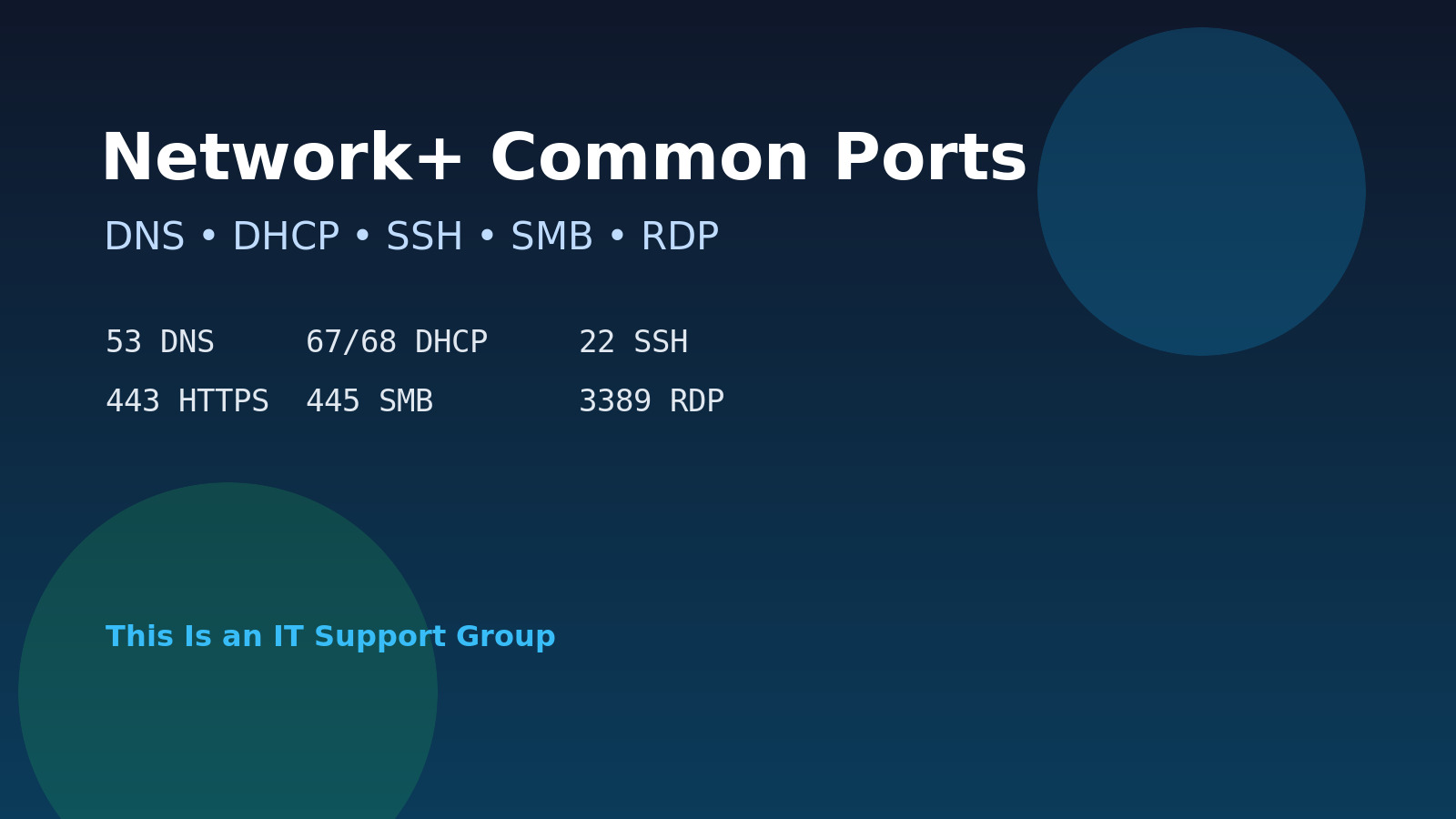
If Network+ port numbers feel like random trivia, study them through tickets. Port 53 is not just “DNS.” It is the reason a laptop can ping an IP address but cannot open a website by name. Port 445 is not just “SMB.” It is the thing you check when a mapped drive works in the office but fails across a firewall.
This practice set is built for that kind of recall: common Network+ ports, matched to realistic support scenarios. Read the symptom, choose the best answer, then use the explanation to connect the port to the actual service.
Pair this with our Network+ subnetting practice questions, A+ networking troubleshooting questions, and Network+ vs CCNA comparison if you are deciding how deep to go.
Quick port table before the questions
You do not need to memorize every port on earth. Start with the ones that explain normal help desk tickets.
| Port | Protocol / service | What it usually means in support |
|---|---|---|
| 20/21 | FTP | Legacy file transfer, often blocked or replaced |
| 22 | SSH | Secure remote shell, Linux/network device admin |
| 23 | Telnet | Insecure remote shell; avoid unless legacy gear forces it |
| 25 | SMTP | Mail server to mail server delivery |
| 53 | DNS | Name resolution |
| 67/68 | DHCP | Automatic IP address leases |
| 80 | HTTP | Unencrypted web traffic |
| 110 | POP3 | Older mail retrieval |
| 143 | IMAP | Mailbox sync without encryption unless secured separately |
| 443 | HTTPS | Encrypted web traffic |
| 445 | SMB | Windows file sharing and mapped drives |
| 3389 | RDP | Windows Remote Desktop |
A good exam shortcut: do not only ask “what number is this?” Ask “what breaks when this port is blocked?” That is how the questions usually get less annoying.
Network+ common ports practice questions
1. Websites fail by name but work by IP
A user can ping 8.8.8.8, but google.com and internal hostnames fail to resolve. Which port/service should you investigate first?
A. 22 / SSH
B. 53 / DNS
C. 3389 / RDP
D. 445 / SMB
Answer: B. 53 / DNS.
If IP connectivity works but names fail, DNS is the first suspect. Check the DNS server configured on the client, whether the DNS server responds, whether VPN changed DNS settings, and whether internal names require a corporate DNS suffix.
This is one of the cleanest “port number becomes real ticket” examples. Users say “the internet is down.” The device says “I can reach IPs, but I cannot translate names.” That points to DNS.
2. A Linux server accepts secure remote admin
You need to remotely administer a Linux server over an encrypted command-line session. Which port is the normal default?
A. 21
B. 22
C. 23
D. 80
Answer: B. 22.
SSH uses port 22 by default. It is the normal secure replacement for Telnet-style remote shell access. If SSH fails, check whether the SSH service is running, the host firewall allows port 22, the network firewall allows the path, and your account/key is valid.
Telnet on port 23 is the trap answer. It gives you remote command-line access too, but it is not encrypted. If you see Telnet in a real environment, treat it like a legacy exception that needs a plan, not a best practice.
3. A mapped drive works in the office but not through a firewall
A user can access a Windows file share on the LAN, but access fails from another network segment after a firewall change. Which port is most relevant to modern Windows file sharing?
A. 25
B. 53
C. 445
D. 3389
Answer: C. 445.
SMB commonly uses port 445 for Windows file sharing. If mapped drives fail across a routed boundary, check whether TCP 445 is allowed between the client and file server, whether name resolution works, and whether the user still has share and NTFS permissions.
Do not stop at “open 445” as a reflex, though. File sharing also depends on identity, DNS, network profile, firewall rules, and permissions. Our network share troubleshooting checklist covers the whole ticket flow.
4. A workstation receives a 169.254 address
A workstation connects to Ethernet but receives a 169.254.x.x address instead of a normal corporate address. Which service should you think about first?
A. DHCP on ports 67/68
B. HTTPS on port 443
C. SMTP on port 25
D. RDP on port 3389
Answer: A. DHCP on ports 67/68.
A 169.254.x.x address usually means the client did not receive a DHCP lease. DHCP uses UDP ports 67 and 68. Check the cable, switch port, VLAN, DHCP scope availability, helper/relay configuration, and whether other devices on the same network can get leases.
This is a good example of why port memorization alone is not enough. The exam may ask for the ports, but the job asks you to find out why the laptop never got a usable address.
5. A browser warns that a site is not encrypted
A user can reach an internal web app, but the URL starts with http:// and the browser labels it not secure. Which port is commonly tied to that unencrypted web traffic?
A. 80
B. 110
C. 143
D. 443
Answer: A. 80.
HTTP uses port 80 by default. HTTPS uses port 443 and adds encryption through TLS. In the real world, your fix is not “memorize port 80 harder.” It is to confirm whether the application should redirect to HTTPS, whether a certificate exists, and whether users are using the right URL.
For Network+, remember the pairing: HTTP 80, HTTPS 443.
6. Remote Desktop to a Windows machine fails
An admin tries to connect to a Windows workstation using Remote Desktop, but the connection times out. Which default port is most relevant?
A. 22
B. 110
C. 3389
D. 25
Answer: C. 3389.
RDP uses port 3389 by default. If RDP times out, check whether Remote Desktop is enabled, the Windows firewall allows it, the user is permitted to log in remotely, the device is awake, and the network path allows the connection.
Also be careful with exposing RDP to the internet. For support work, RDP is often fine inside managed networks or over VPN, but public RDP is asking for trouble.
7. Mail delivery between servers is failing
A company’s mail server can receive web traffic, but outbound mail delivery to other mail systems is failing. Which port/service should you associate with server-to-server mail delivery?
A. 25 / SMTP
B. 53 / DNS
C. 80 / HTTP
D. 445 / SMB
Answer: A. 25 / SMTP.
SMTP uses port 25 for mail server delivery. User mail clients may use other submission or encrypted ports depending on configuration, but Network+ commonly ties SMTP to 25.
In a real ticket, also check DNS records, mail relay configuration, spam filtering, authentication, and whether the ISP or hosting provider blocks outbound mail. The port points you to the neighborhood; it is not the whole map.
8. A user wants mailbox sync across devices
A user expects their mailbox to stay synced across a laptop and phone. Which older mail retrieval protocol is more associated with server-side mailbox sync than downloading-and-removing mail?
A. POP3 / 110
B. IMAP / 143
C. FTP / 21
D. Telnet / 23
Answer: B. IMAP / 143.
IMAP is designed around leaving mail on the server and syncing mailbox state across clients. POP3 is older and is often associated with downloading messages to a client. Modern mail setups commonly use encrypted variants and provider-specific settings, but the Network+ baseline is POP3 110 and IMAP 143.
If a user says “my phone and Outlook show different mail,” you are probably not troubleshooting FTP.
9. A legacy file transfer service is open
A security scan flags ports 20 and 21 open on an old server. Which service should you associate with those ports?
A. FTP
B. SSH
C. HTTPS
D. RDP
Answer: A. FTP.
FTP uses ports 20 and 21. It is an older file transfer protocol and is often replaced by safer options depending on the environment. For Network+, remember the basic mapping. For real support work, ask why FTP is still exposed, who uses it, and whether there is a secure replacement.
Do not panic just because a legacy service exists. Document the owner, confirm the business need, and escalate risk clearly.
10. A switch still allows insecure terminal access
You discover that a network device accepts Telnet connections. Which port should you associate with Telnet, and what is the concern?
A. 23; it is unencrypted remote shell access
B. 443; it is encrypted web access
C. 53; it is name resolution
D. 67; it is automatic addressing
Answer: A. 23; it is unencrypted remote shell access.
Telnet uses port 23. The issue is not just the number. Telnet does not protect the session like SSH does. If you find Telnet enabled, the practical next step is to verify whether SSH is available, document the device and owner, and plan a controlled change instead of cowboy-clicking settings during business hours.
Review pattern: symptom to port
| Symptom | Think first | Why |
|---|---|---|
| Names fail, IPs work | DNS / 53 | Name resolution problem |
| Client has 169.254 address | DHCP / 67-68 | No lease received |
| Secure Linux admin | SSH / 22 | Encrypted remote shell |
| Windows file share blocked | SMB / 445 | Mapped drives and file sharing |
| Plain web page | HTTP / 80 | Unencrypted web traffic |
| Secure web page | HTTPS / 443 | Encrypted web traffic |
| Windows remote desktop | RDP / 3389 | Remote GUI session |
| Server mail delivery | SMTP / 25 | Mail transfer between servers |
How to study ports without hating your life
Do short reps. Pick five ports per day and make yourself write one sentence for each:
- “DNS on 53 breaks name resolution.”
- “DHCP on 67/68 breaks automatic addressing.”
- “SMB on 445 breaks mapped drives.”
- “RDP on 3389 breaks Windows remote desktop.”
- “SSH on 22 breaks secure remote shell.”
Then reverse it. Start with the symptom and name the port. That is closer to how troubleshooting tickets and exam scenarios feel.
If you are studying for certifications because you want a better IT job, use the IT certification hub to keep the bigger path straight. If you want command-line practice instead of another tab full of flashcards, Shell Samurai is worth a look.
FAQ
Do I need to memorize both TCP and UDP for every Network+ port?
Know the common defaults first, then add protocol details as you review official objectives and practice exams. For support scenarios, the bigger win is connecting the service to the symptom: DNS, DHCP, SMB, SSH, HTTPS, and RDP.
Is port memorization enough for Network+?
No. You should know the common ports, but Network+ questions often test judgment. If DNS fails, what does the user experience? If DHCP fails, what address might the client get? If SMB is blocked, which business function breaks?
What ports should I learn after these?
Add NTP, SNMP, LDAP, LDAPS, Kerberos, SFTP, and common email submission ports after you can recall this base set quickly. Do not skip the basics just because the advanced list feels more impressive.
How often should I practice common ports?
Ten minutes a day is enough if you do it actively. Write the port, service, symptom, and one troubleshooting check. Passive rereading is where port numbers go to die.